IsHacked for WordPress: a security report inside wp-admin
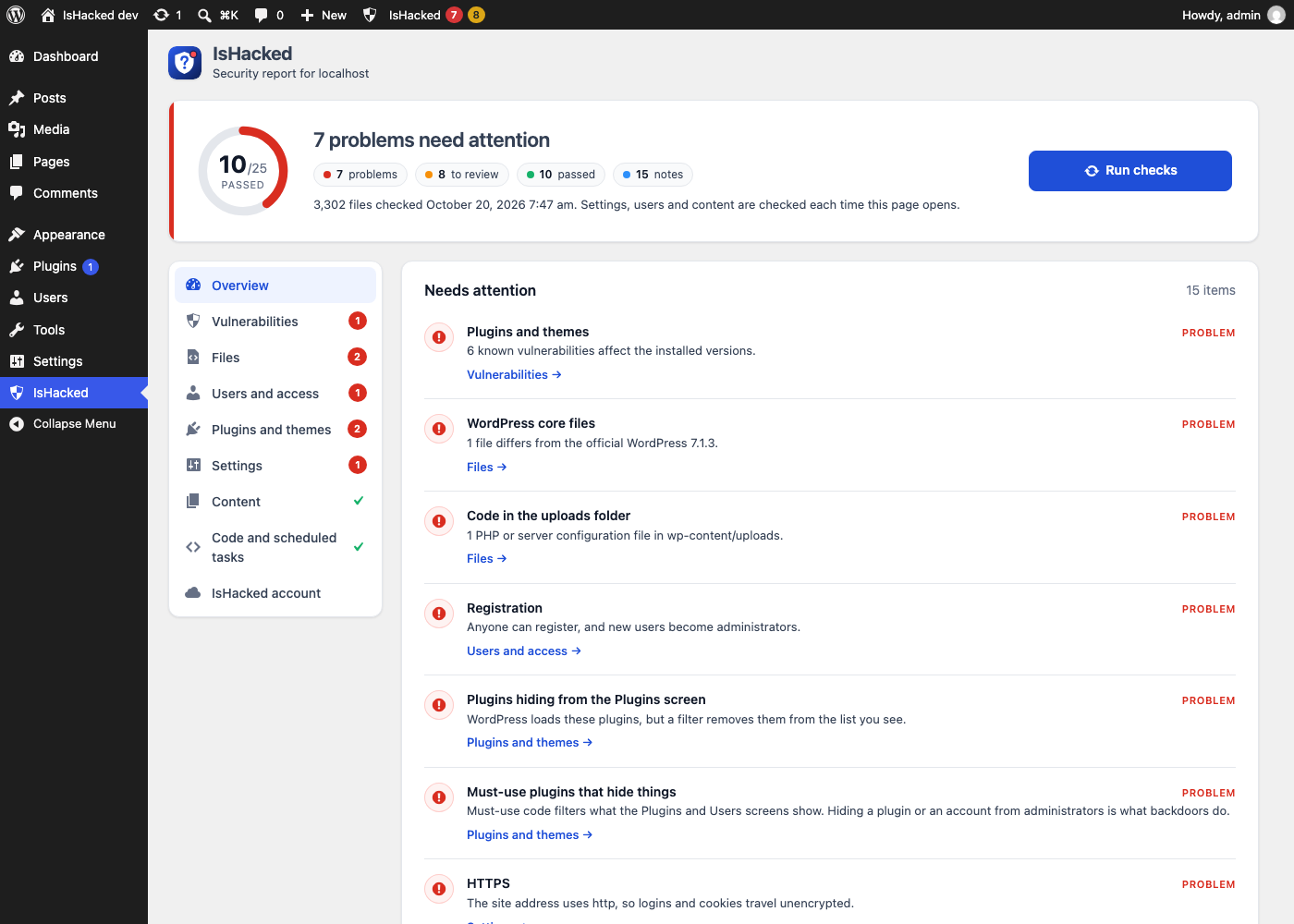
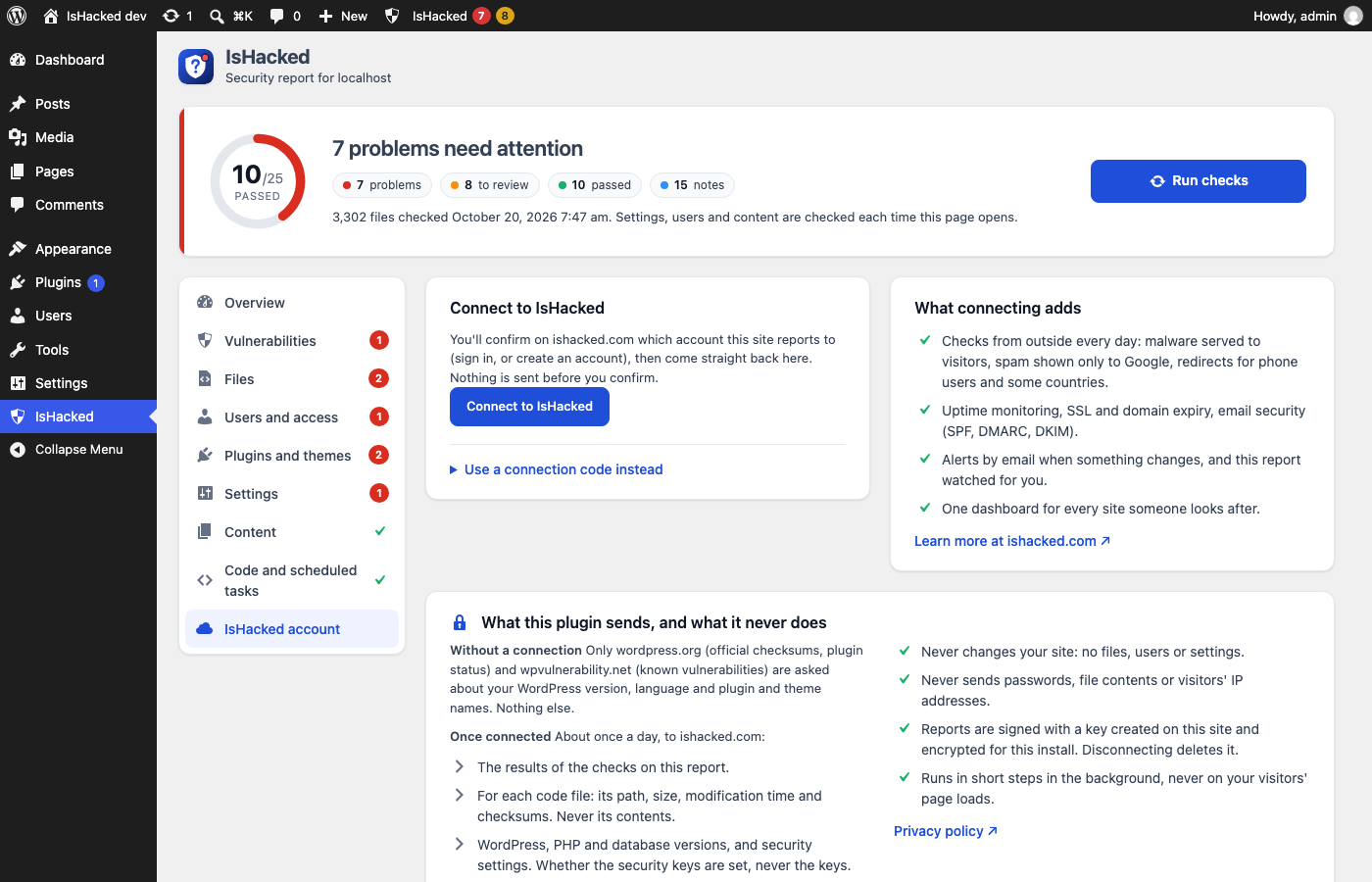
A free plugin that looks at your site the way someone cleaning up a hack would. Open IsHacked in wp-admin, click Run checks, and get more than 60 checks in plain words, each with why it matters and what to do. WordPress 5.6 or later, PHP 7.4 or later.
On its way to the wordpress.org plugin directory; once it's listed, search for "IsHacked" in Plugins → Add New.
What it checks
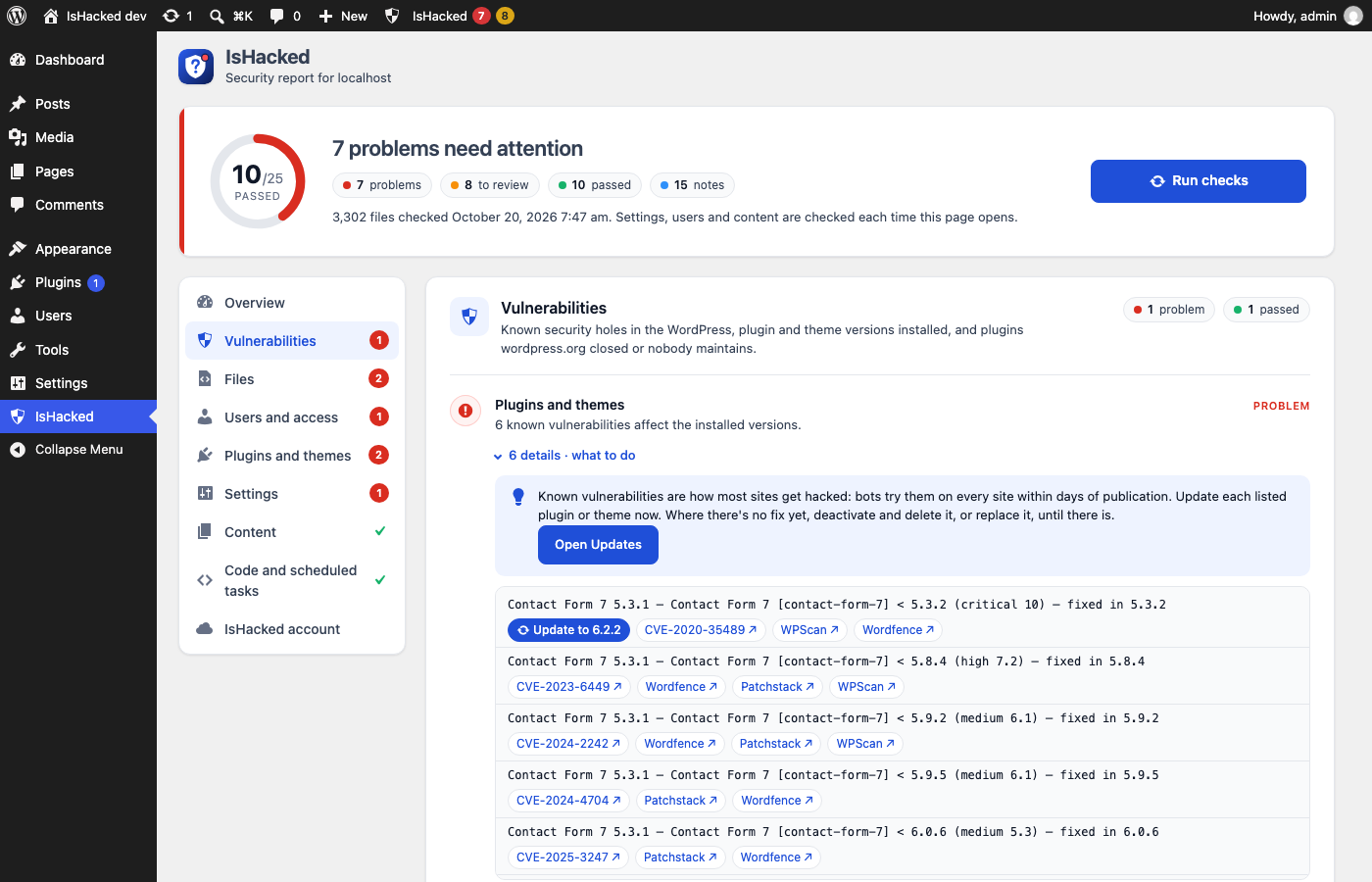
- Vulnerabilities: known security holes in your WordPress, plugin and theme versions, with the version that fixes them, and plugins wordpress.org closed or nobody has updated in two years.
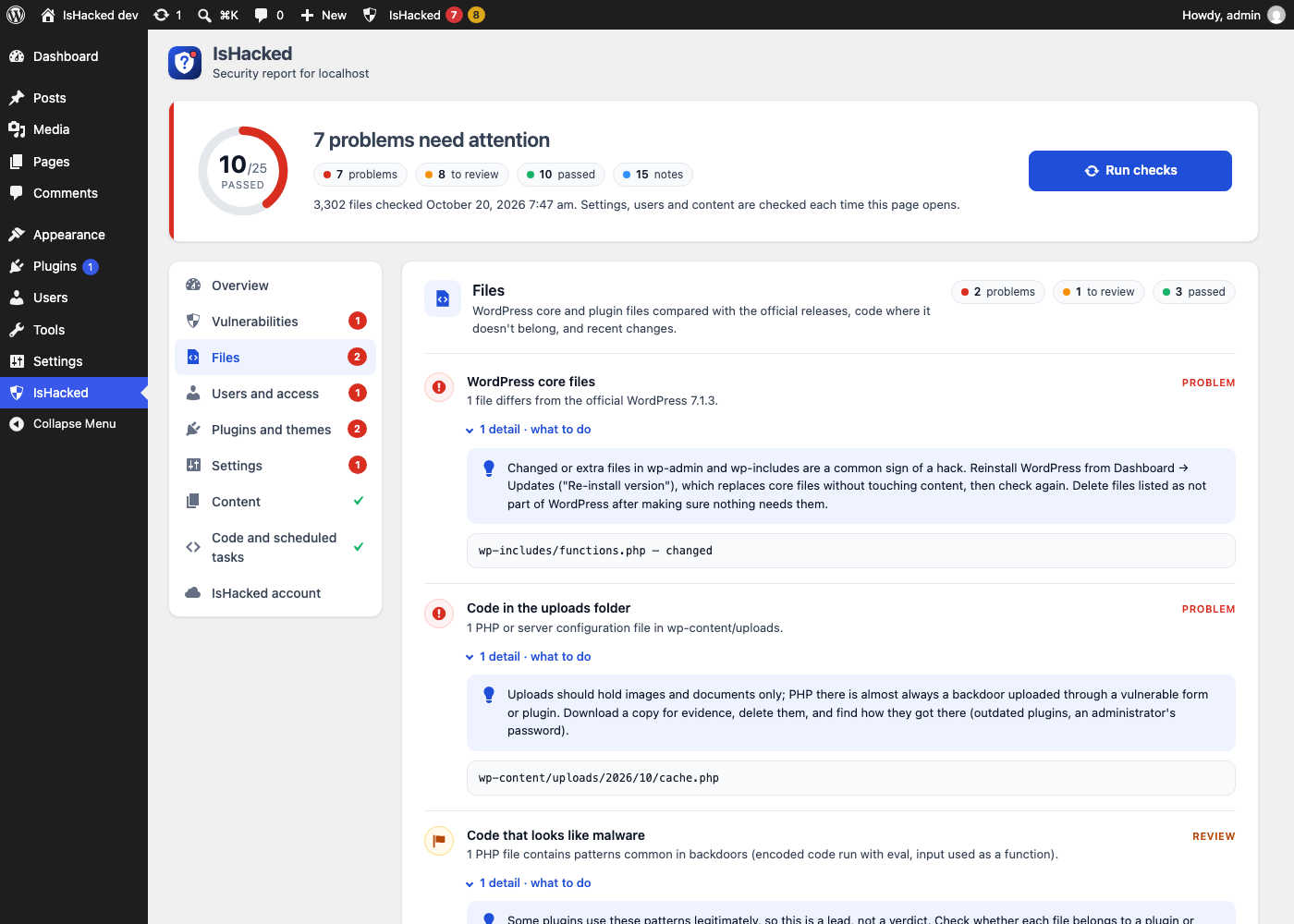
- Files: core and wordpress.org plugin files compared with the official releases; webshells, backdoor patterns and PHP hidden in uploads or icon files;
.htaccessredirects; backups, database dumps andwp-config.phpcopies anyone can download. - Users and access: administrators hidden from the Users screen, new administrators, roles that can run code, open registration, two-factor login and protection against password guessing.
- Plugins and themes: waiting updates, plugins that hide themselves, PHP in the plugins folder that isn't a plugin, must-use plugins and drop-ins.
- Settings: PHP version, HTTPS, a public debug log, the file editor, security keys, file permissions, XML-RPC and automatic security updates.
- Content and code: scripts hidden in settings and posts, hidden spam links, code hooked into WordPress from outside your plugins and themes, and scheduled tasks.
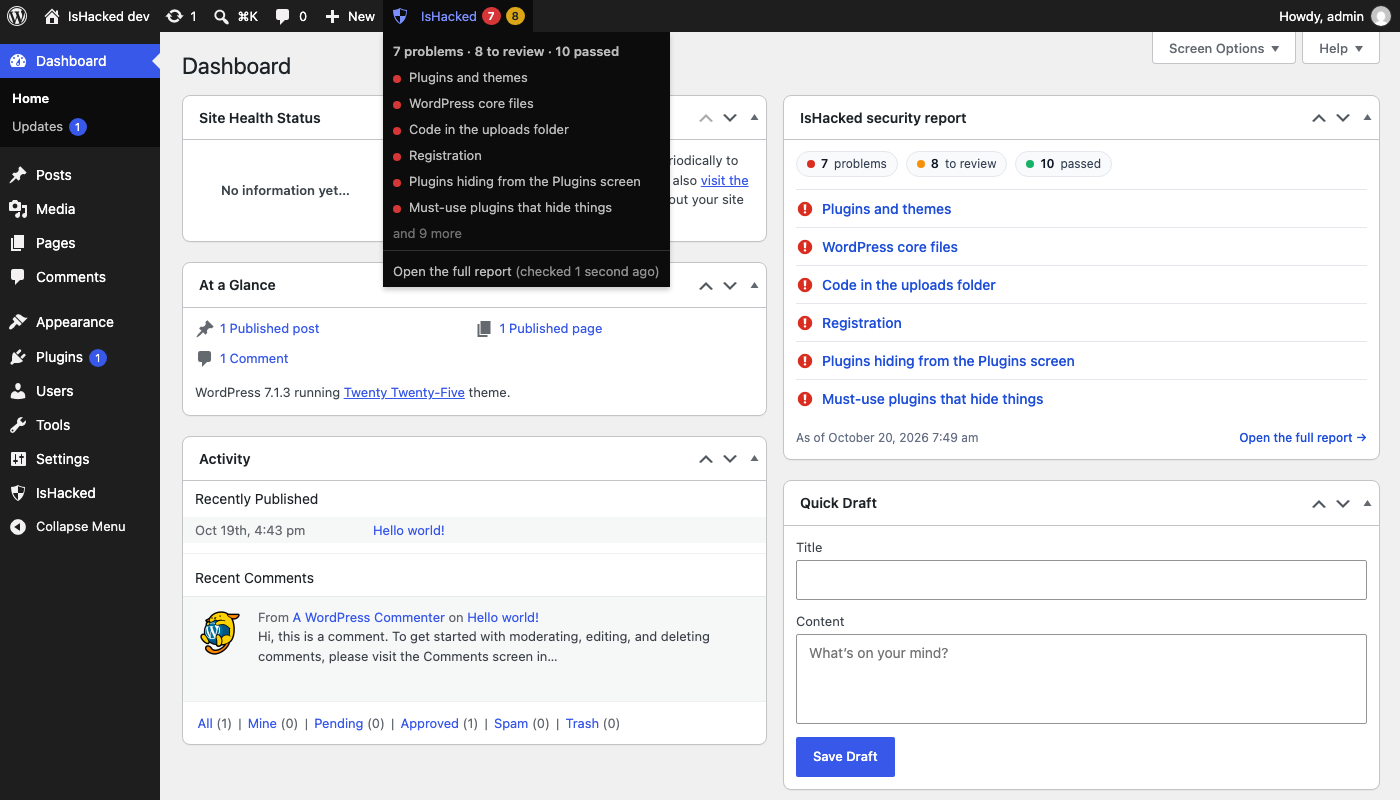
Problems show on the report, in a Dashboard widget and in the toolbar on every admin page.
Safe on your site
- Read only. It never changes files, users or settings, and reads files only to compute checksums; it never runs them.
- Light. Checks run in steps of a few seconds, twice a day in the background or when you click Run checks, never on visitors' page loads.
- Private. Nothing goes to IsHacked unless you connect the site, and no file contents, passwords or IP addresses ever leave it. To check versions and files it asks wordpress.org and wpvulnerability.net, sending only version numbers and plugin and theme names.
Install
- In wp-admin, go to Plugins → Add New, search for "IsHacked", install and activate it.
- Open IsHacked in the admin menu and click Run checks.
Connected to IsHacked
Some hacks only show from outside: spam shown only to Google, redirects for phone visitors, malware served to some countries. IsHacked monitoring checks that every day and alerts you. Connect the plugin (IsHacked → IsHacked account → Connect to IsHacked) and its report shows in your dashboard too, next to uptime, SSL and email security, for you or whoever looks after the site. The connection uses a key that stays on the site, so even IsHacked can't forge its reports, and you can disconnect at any time.
Looking after many sites on one server? The server scanner checks every WordPress install on it from the command line.
Free and open source under the GPL, version 2 or later.